In this post, I would like to revisit a video from five years ago, taking advantage of the fact that we are about to publish an article in IJTME, where this and other activities on conic sections are presented.
We next show how to make an ellipse in space, trail by the point P. We follow the classical construction from two focus and one of its focal circles. This is an the last activity included in the book 1st steps in dynamic geometry in Neotrie VR.
We start from two points F and G that we want to be the focus of the ellipse. That means that any point P in the ellipse must satisfy a given constant 2a=PF+PG (the major diameter of the ellipse). So we can choose A to fix both the plane, and also the constant radius AF=2a of one focal circle.
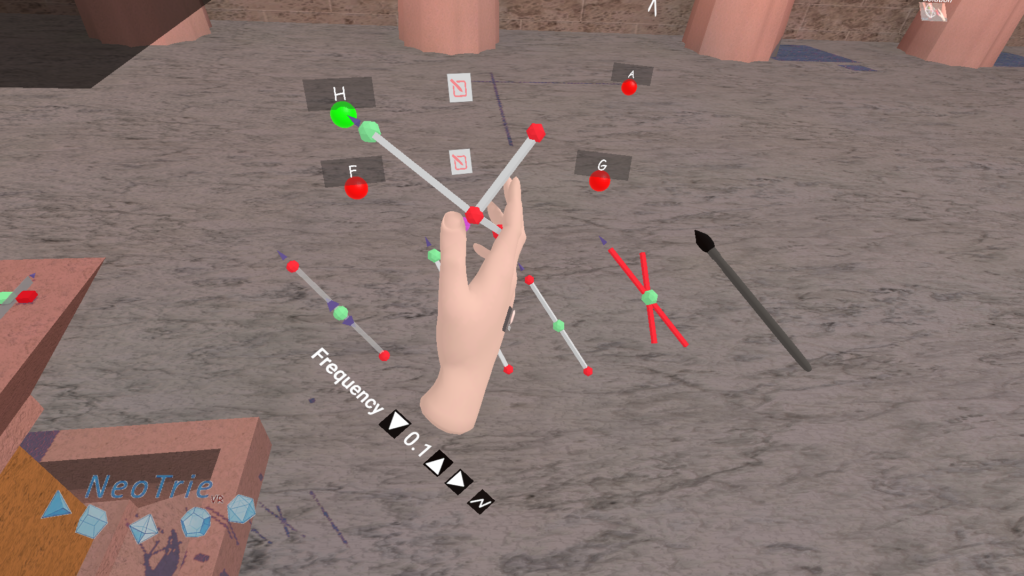
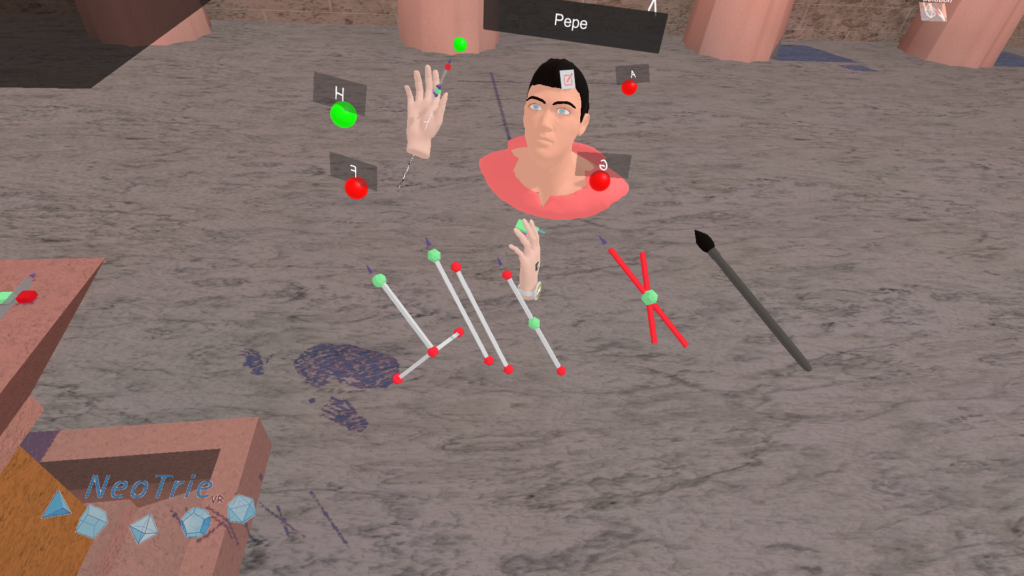
Press on the circle button on the slider tool, to be prepared to make a circle. Then select the center F, the point A, and finally H. This will make a point B moving on a circle centered at F, of radius FA, and perpendicular to FH.
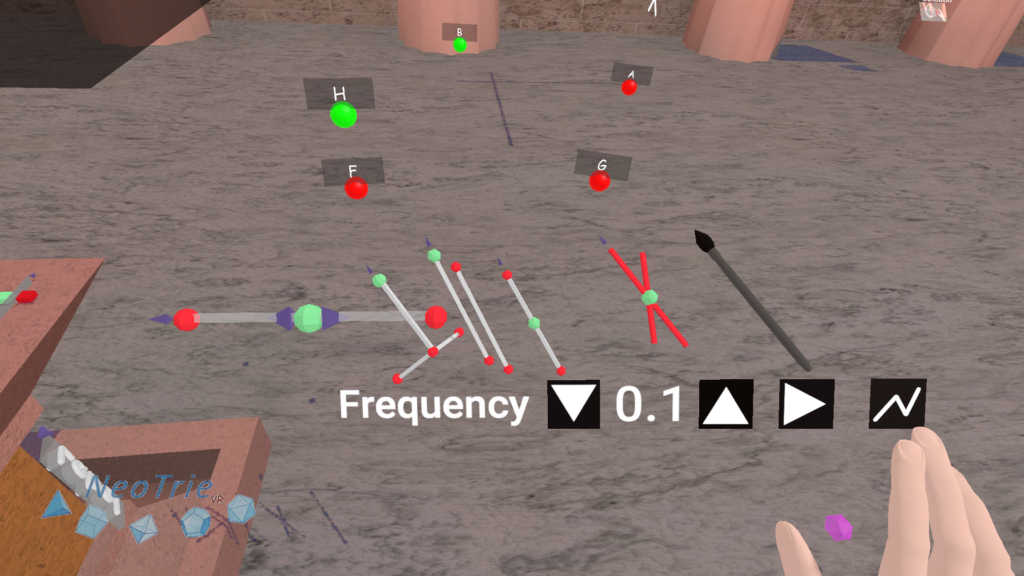
Use the trace pencil to draw this point B, to show the focal circle if you like.
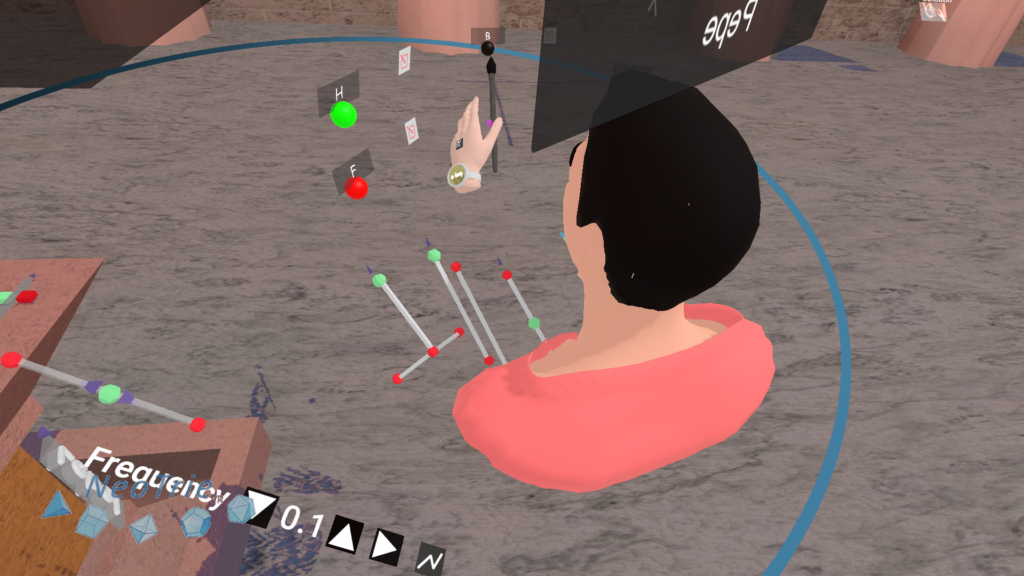
The construction continues by taking the bisection line of G and B on the plane FAG and cutting it FB. There is no specific tool to make that bisection. For that, make the midpoint C of B and G.
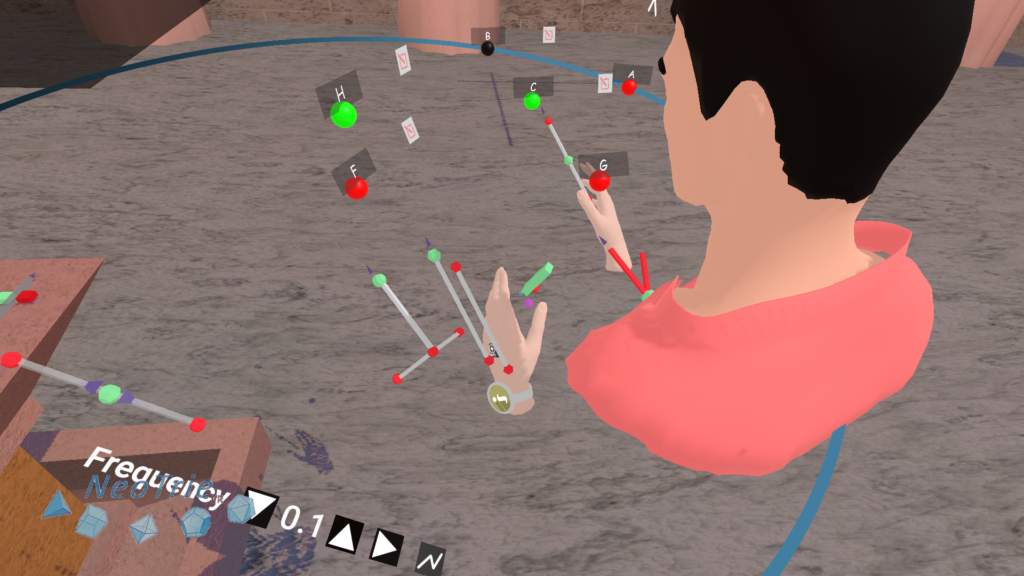
Make the parallel point D of FH on C.
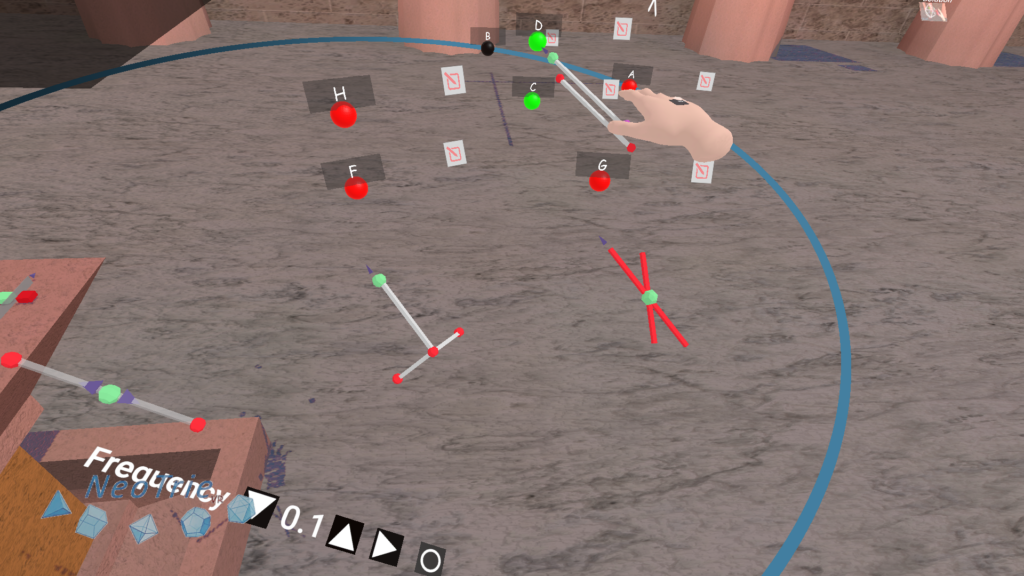
Make E with the perpendicular tool by touching D, C, G. The line CE is the bisection of GB on the plane FGA.
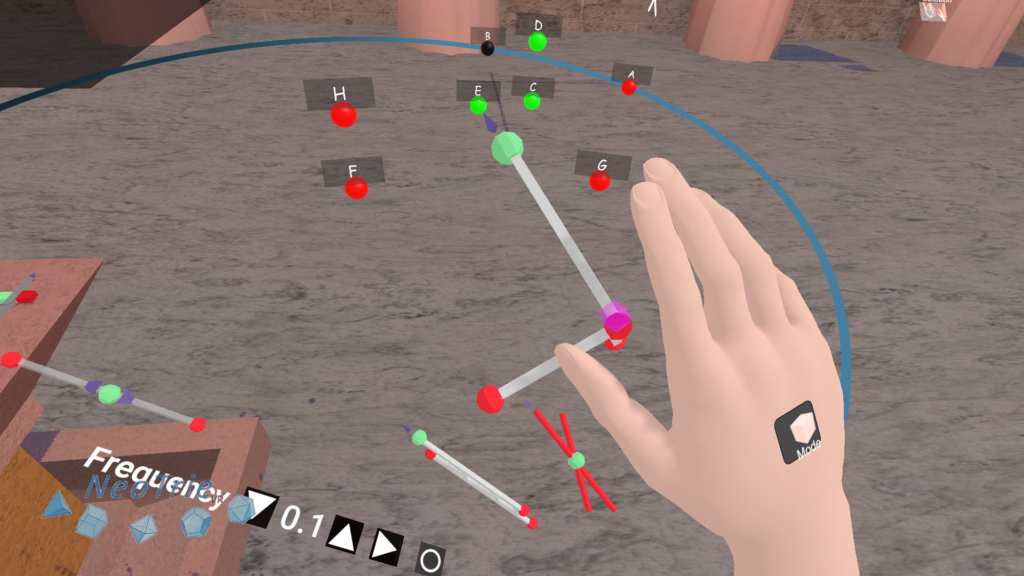
Let $P$ the intersection of the lines FA and CE.
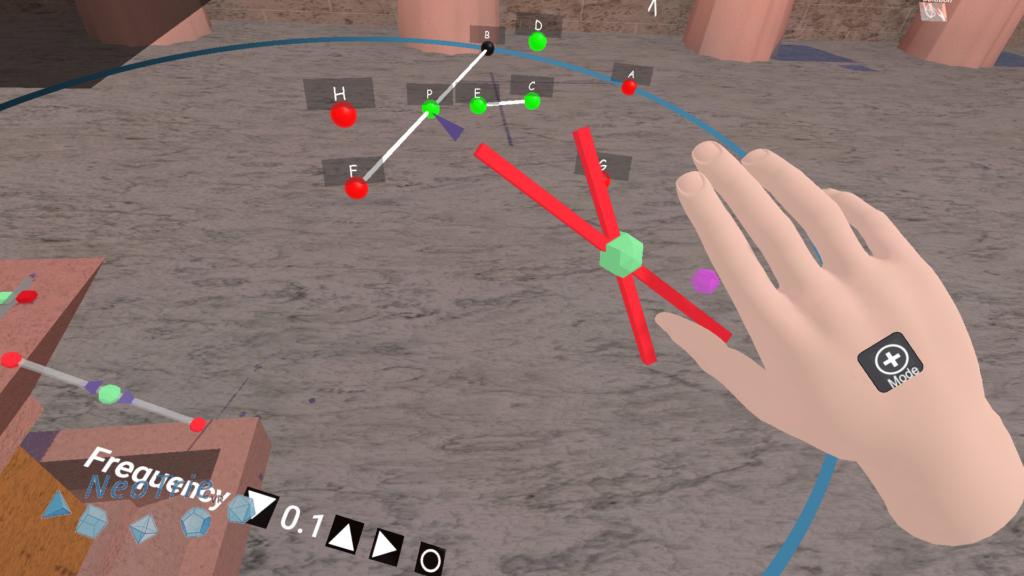
Paint the point P with the loci pencil.
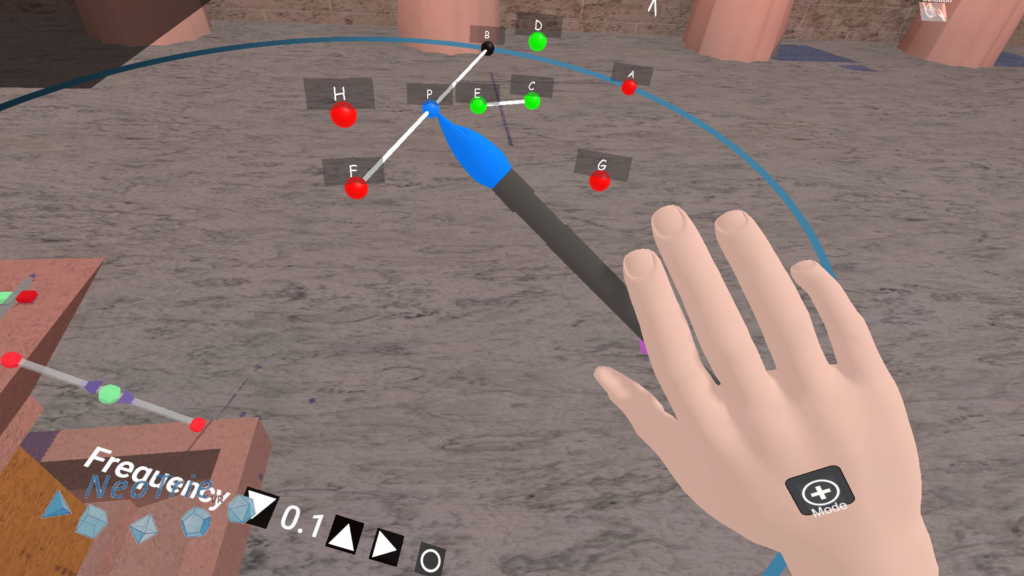
The point P draws the desired ellipse with focus F and G on the plane FGA.
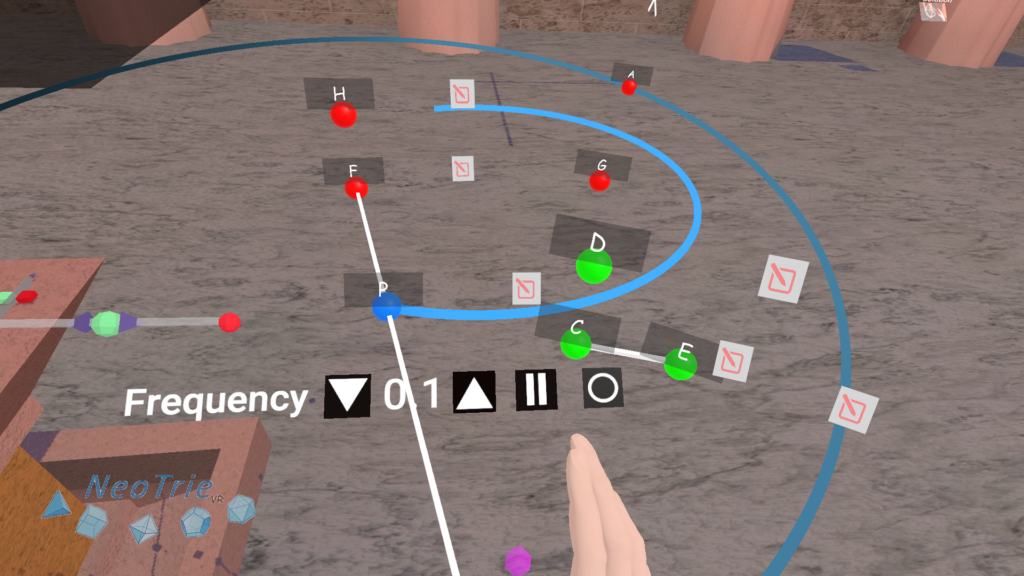
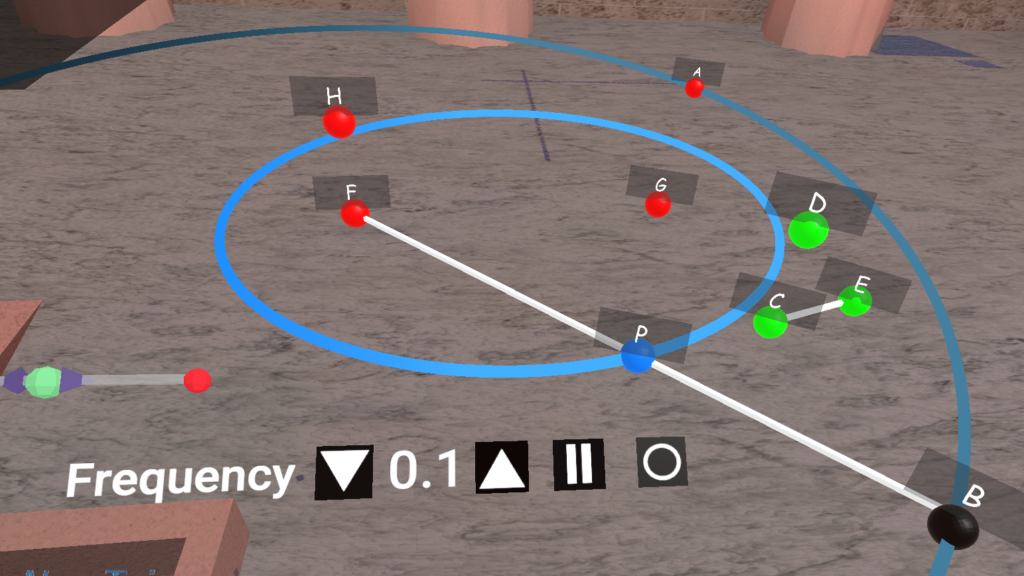
Note that moving the points A and one of the focus can produce hyperbolas (if 2a<FG) or circles (if F=G). We recommend to disable the paste option between vertices for this dynamic experiment.